
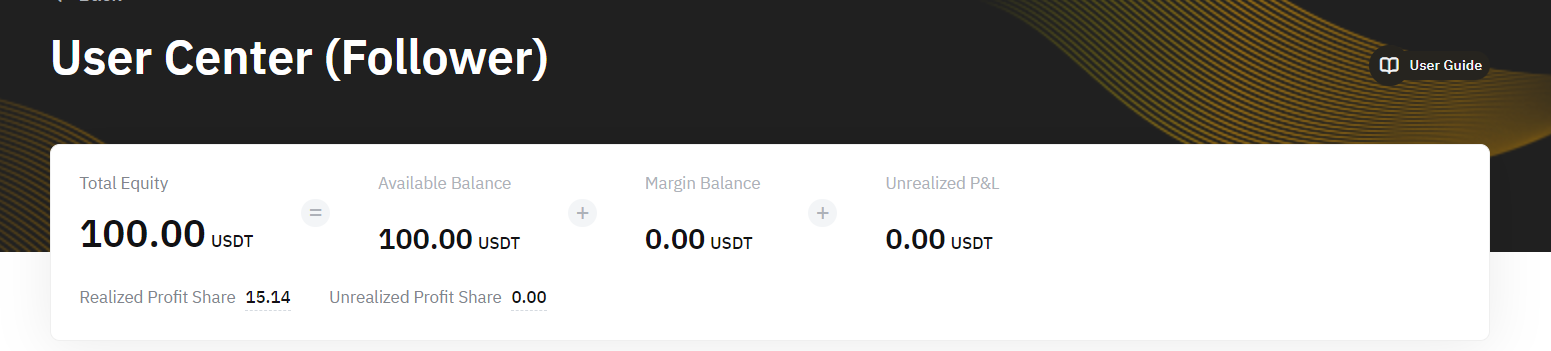
From the Copy Trading User Center (Follower), you can have an overview of your Copy Trading Account, the current or past performance of your followed Master Trader and the order details.
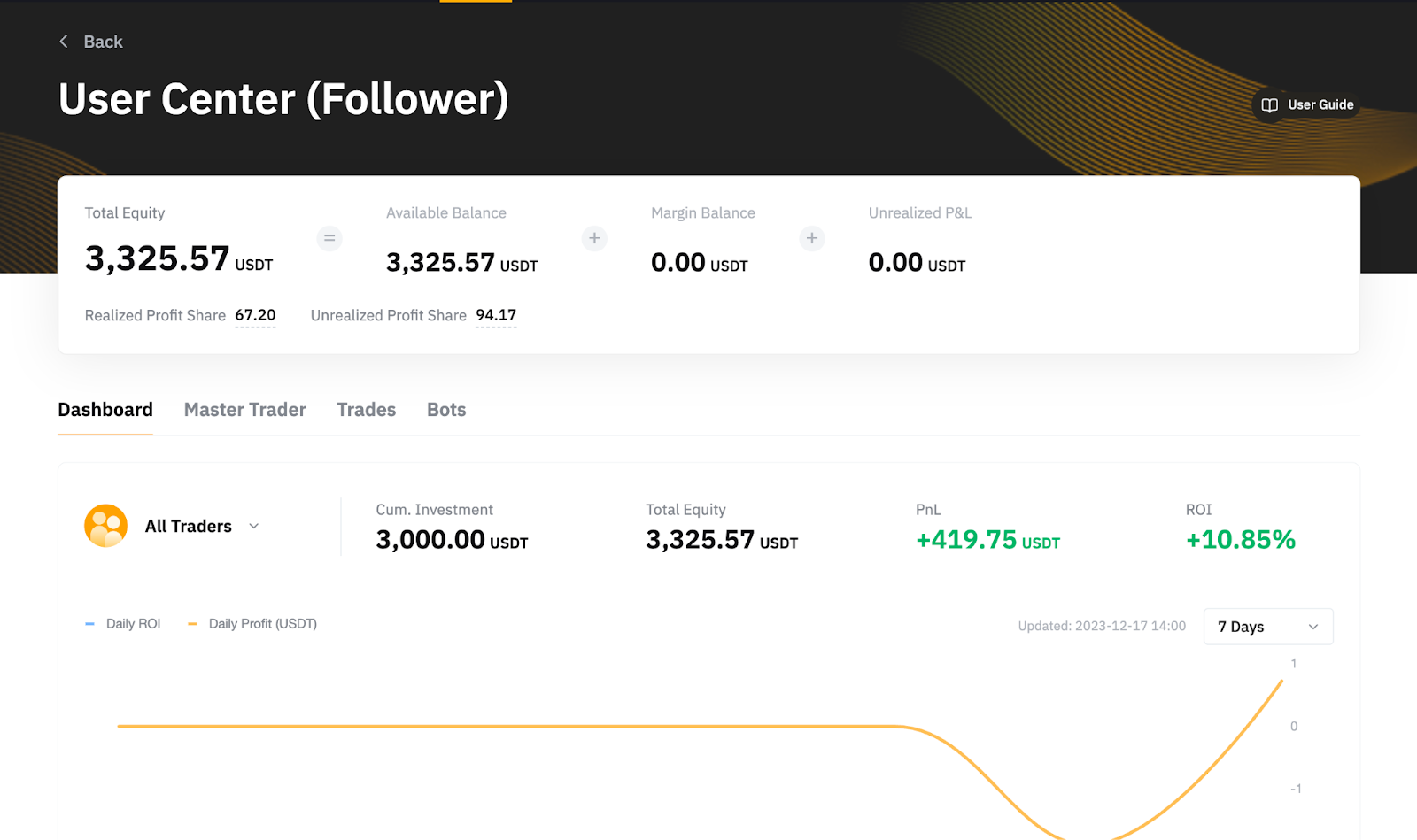
Account Overview
Dashboard Tab
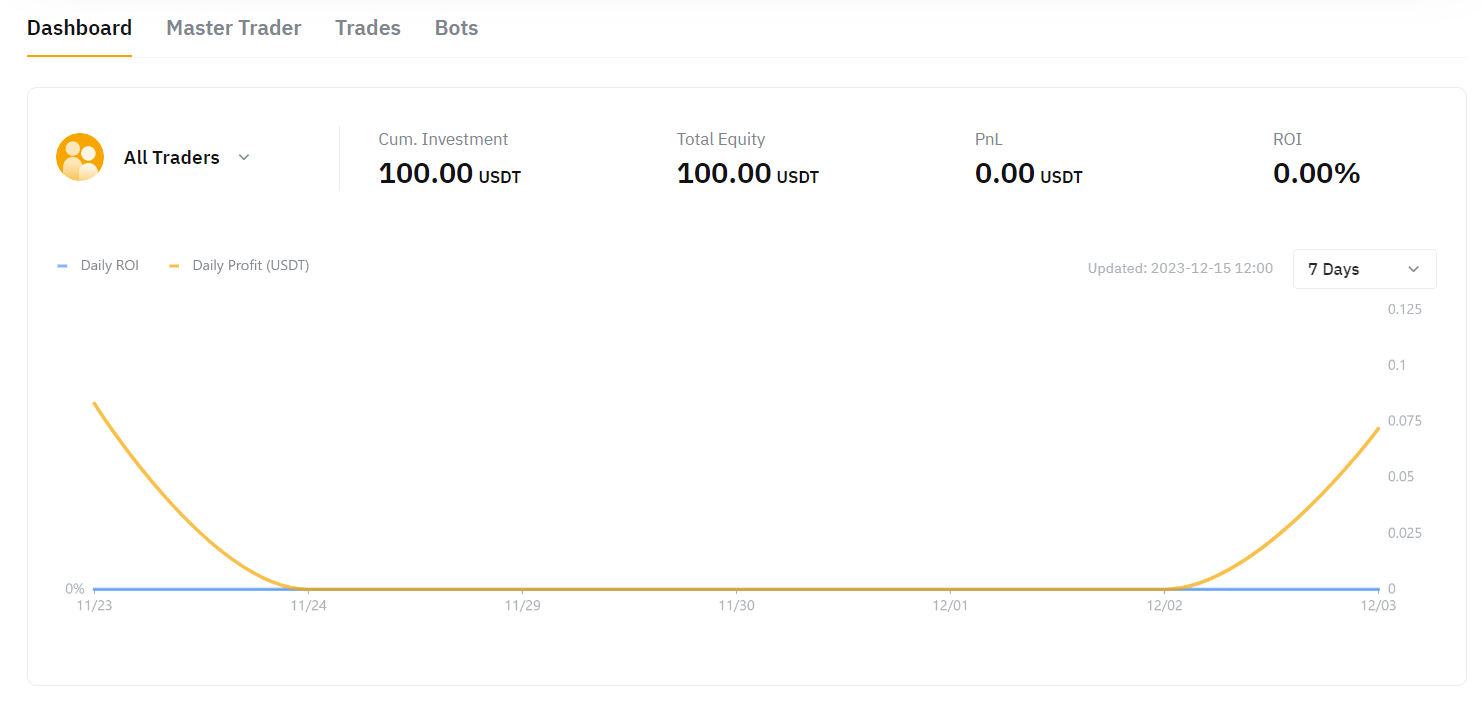
You can view the results of the current P&L and ROI of all following Master Traders, or you can filter each Master Trader to view the results individually.
Please note that the indicators above only show the results of the Master Trader during the copying period. If you cancel the copy of the Master Trader and recopy, the historical copy data of the Master Trader will not be displayed. The historical data can be found from Master Trader → Follow History or Orders → History Orders.
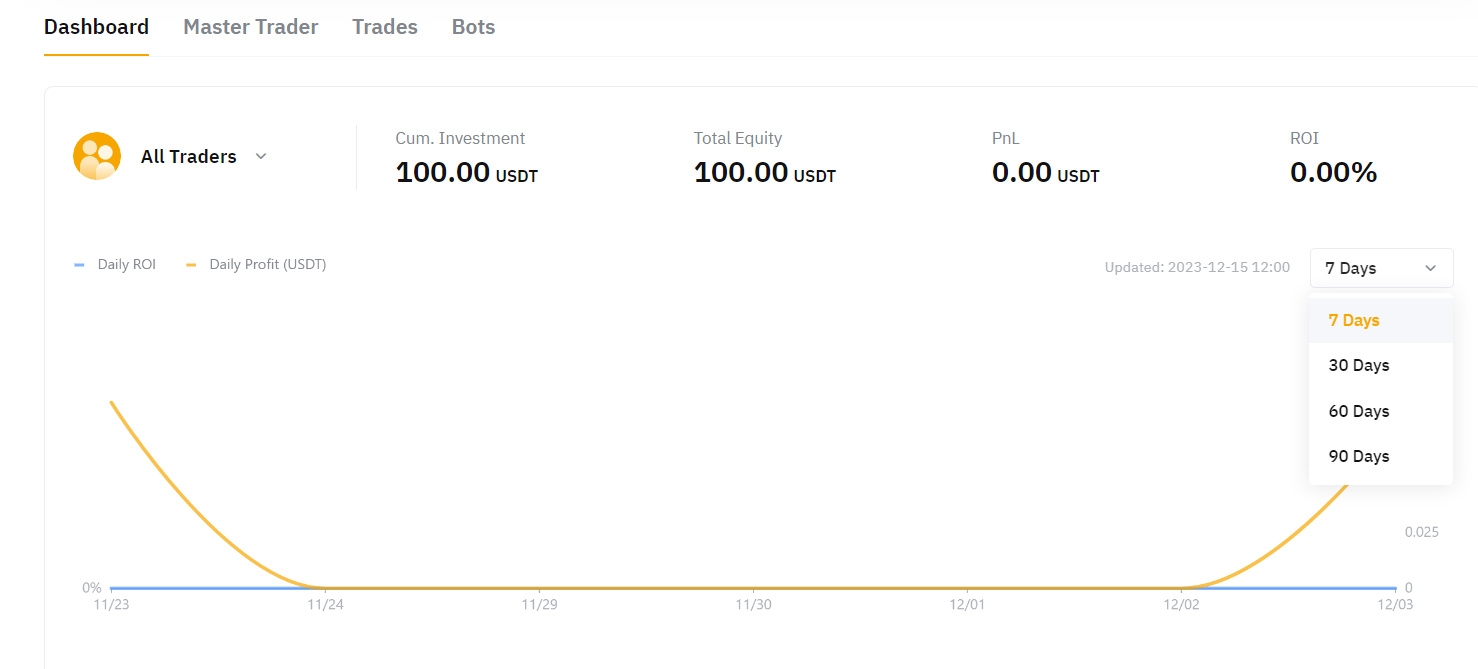
The chart under the Dashboard shows the daily ROI and daily profit based on the selected time frame. It is updated in real-time.
Master Trader Tab
You can view the Current Copy Trades and Follow History of each Master Trader. You can also click on Adjust Investment to increase or reduce your funds to copy the respective Master Trader. Please note that the amount reduced will be automatically transferred to your Funding Account.
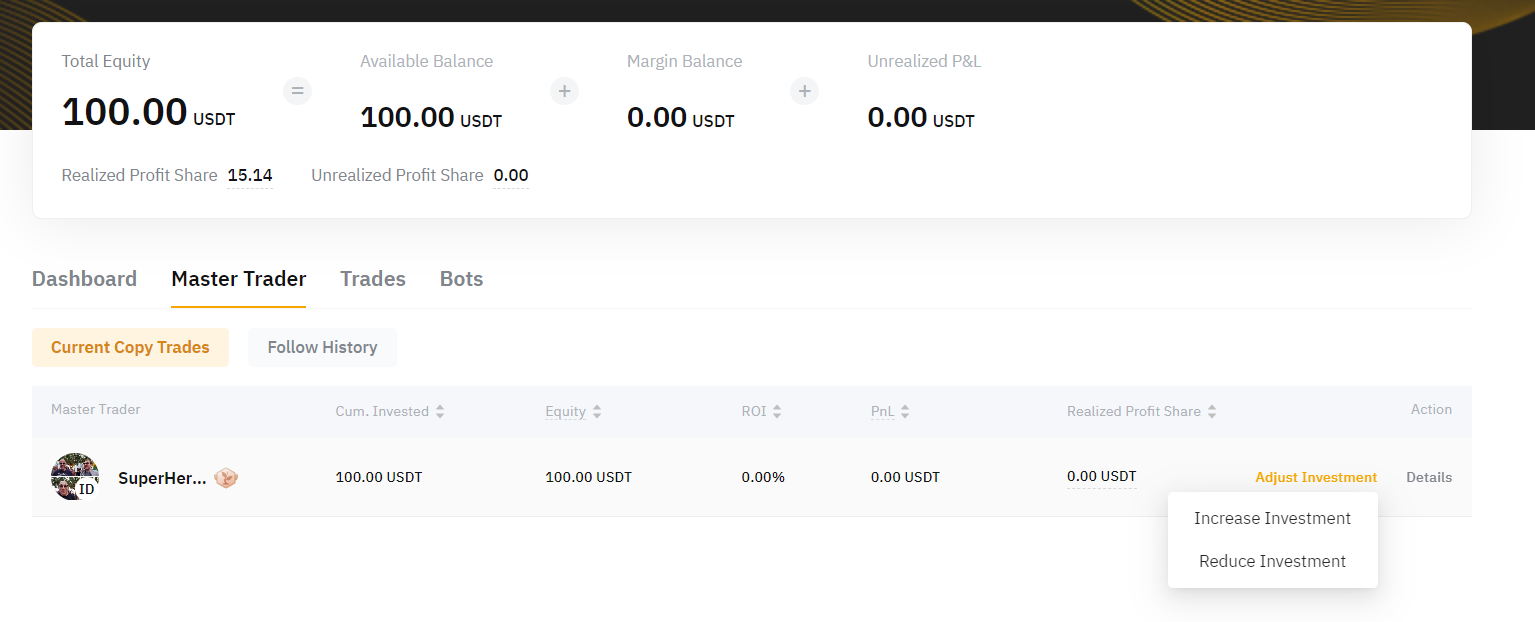
To view the copied position's details under the Master Trader, you can click on Details to enter the Currently Following Page.
Trades
1. Open Position
This shows the overview of the existing open position(s) with the Unrealized P&L, Qty (the position size), Position Margin, Entry Price (position average entry price), Market Price, and Liquidation Price for each position.
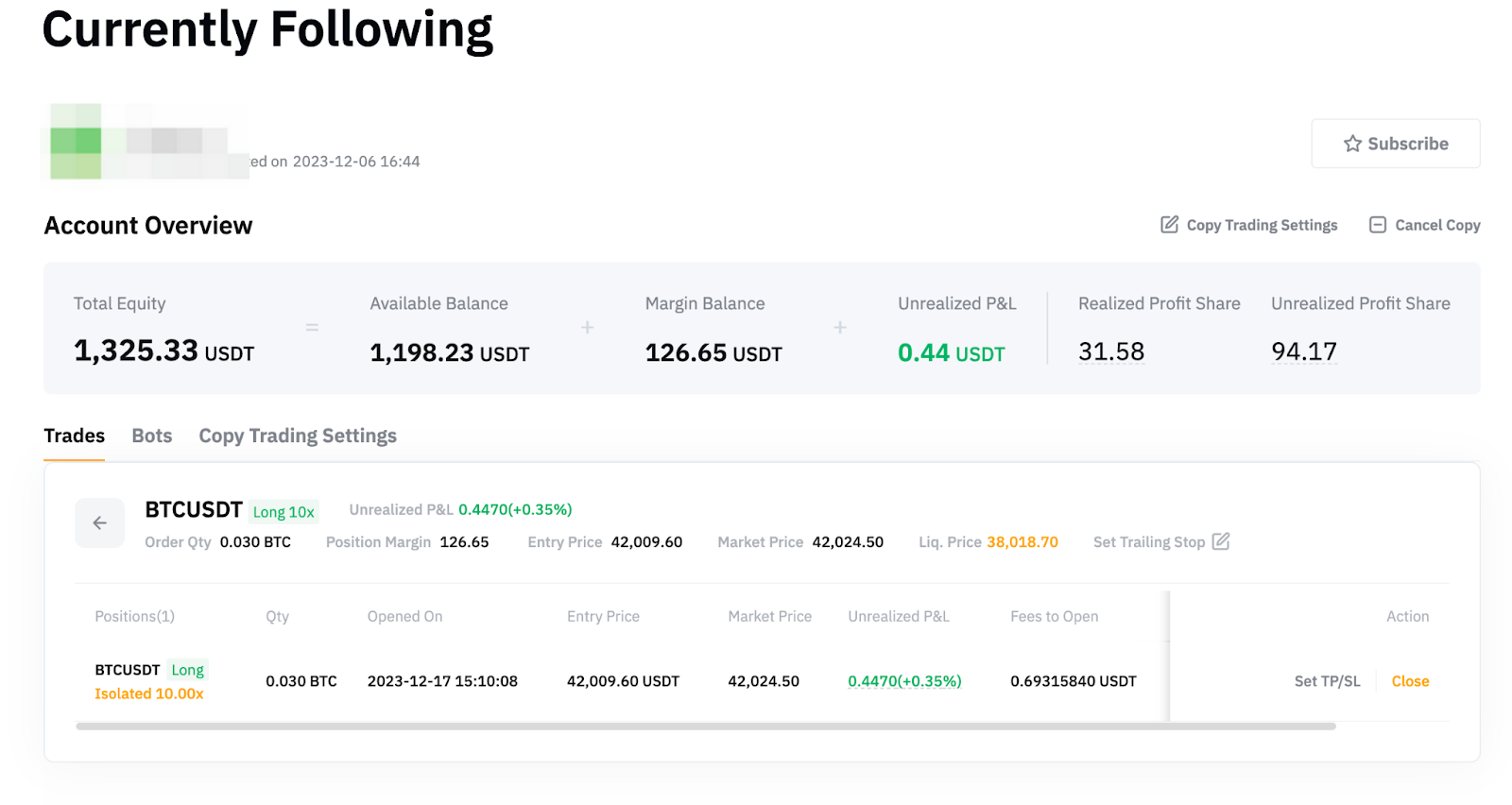
Under the position Details, you can see the details of each order copied for the position. Please note that the Entry Price displayed in the position details is the position average entry price. To check how the position entry price is derived, you can move your cursor to the Unrealized P&L and click on More Details to see the Position Average Entry Price Change History.
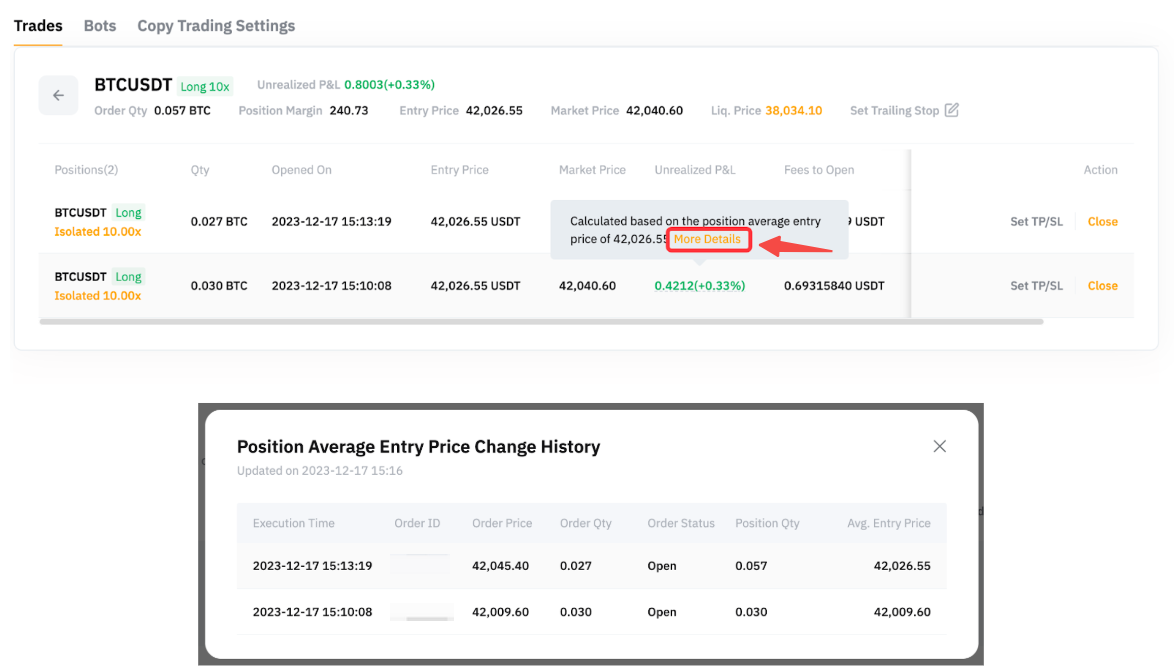
You also have the option to set Trailing Stop, TP/SL for each order, manually close a specific order, or close the entire position directly from this page.
2. History Orders
You can view the details of the closed position here, including the time the position was closed, the closing price, the Closed P&L, the incurred fees, and more.
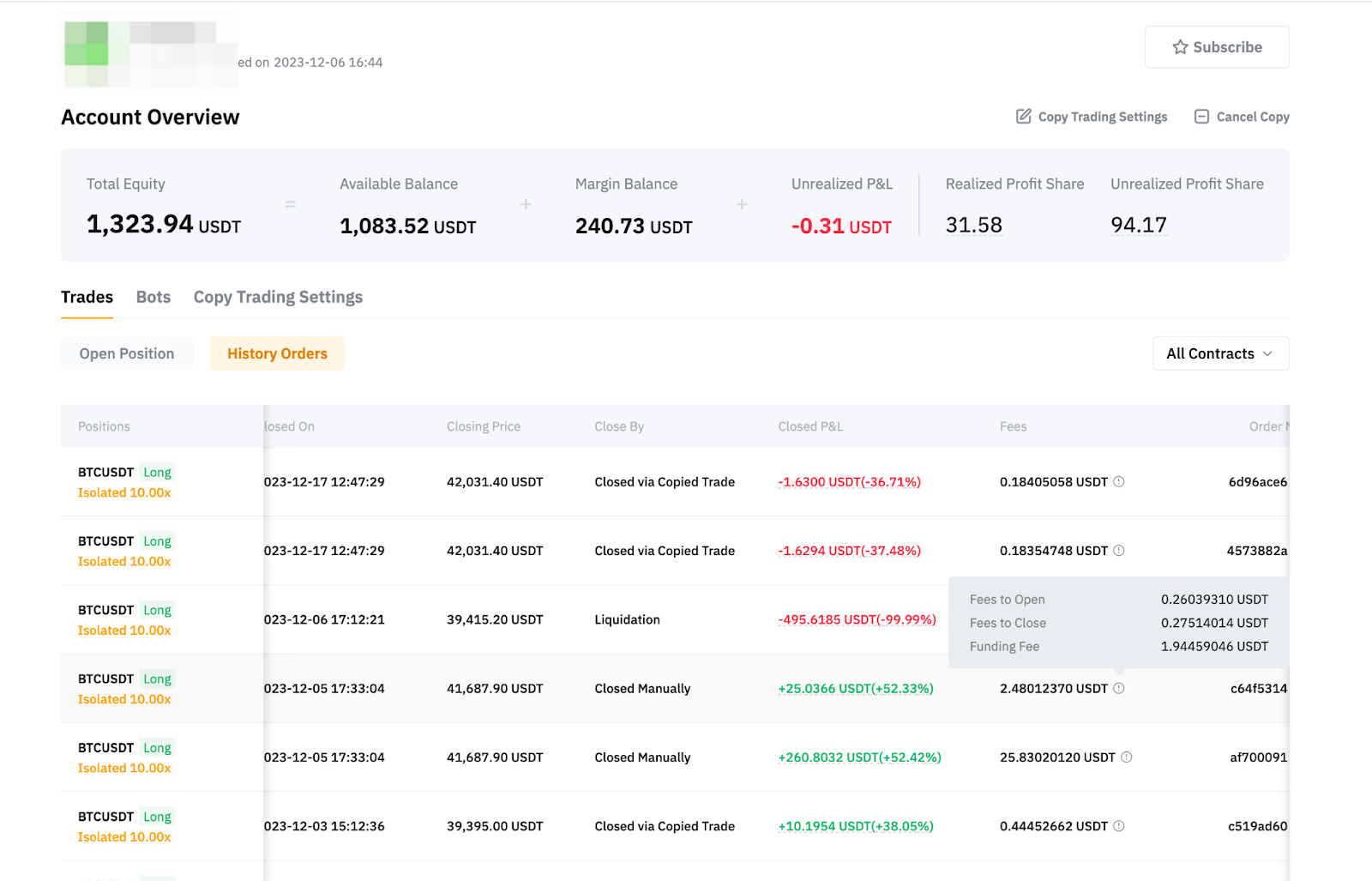
For more information on calculating a Closed P&L, please refer to P&L Calculations (USDT Contract).
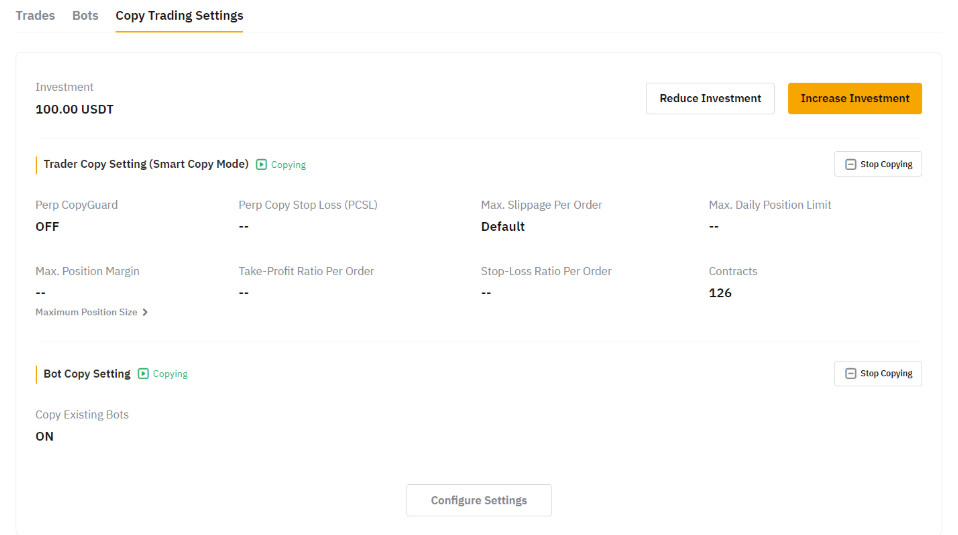
Copy Trading Settings
You can view and edit the current copy trade parameter settings you have set up for the respective Master Trader from this page.
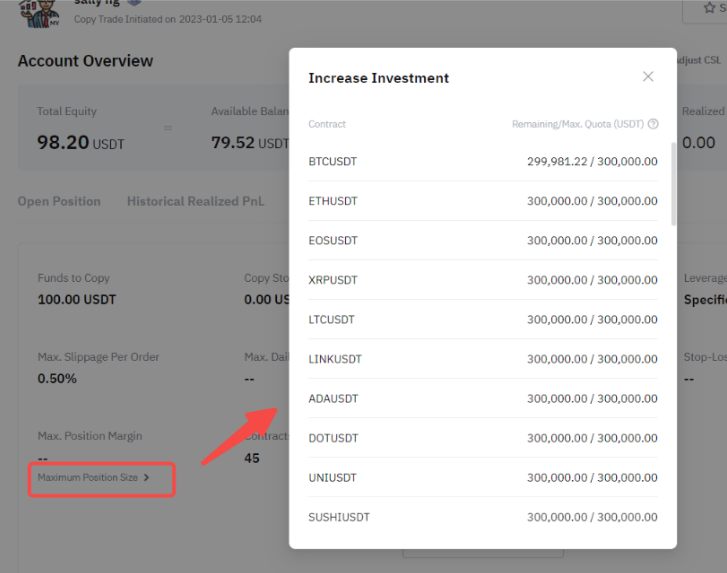
The maximum position size shows the remaining and maximum order value that can be followed for your copy trades derived from your position sizes in both long and short directions.
For more information on How to Get Started with Copy Trading as a Follower, please visit this page.